
5 Best Free or Affordable Video Editing Software Packages for the New Entrepreneur Setting Up a Business fit for 2025...
Make Your Business Outstanding and Successful in Today's Overcrowded Online World!
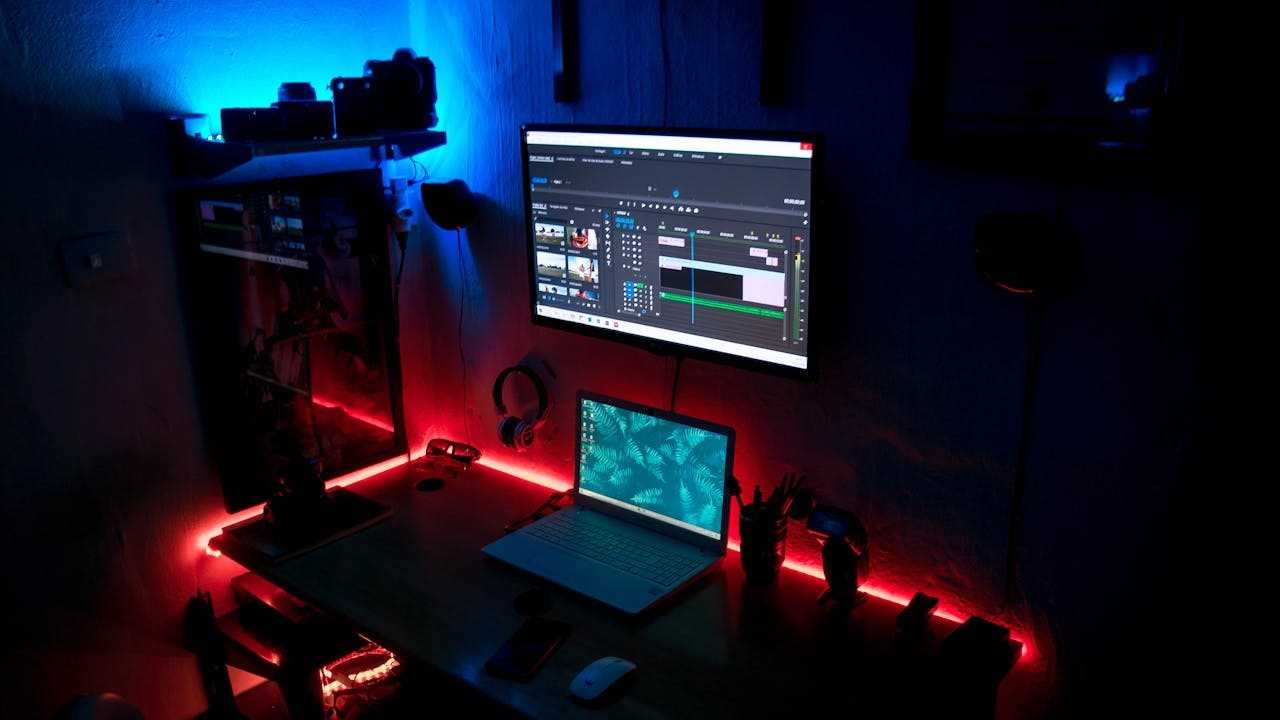
Introduction
In today's technological age, video marketing has become an incredibly effective marketing tool in the world of online business. And with that, video editing software has become almost indispensable.
With innumerable online distractions, competing for viewer attention, good videos are essential. The use of videos has been proved to be one of the most powerful marketing tools today.
It's far easier to watch a video than read an article, so from the marketing point of view, videos are a far more effective way to advertise, than other forms of advertising.
Furthermore, videos have a far greater likelihood of being shared on social media for example, than the written word. Thus the use of video can increase brand awareness manifold, enhancing the potential reach of products and/or services being offered or advertised. We've all heard of the expression about something "going viral", and this phenomenon has emerged exclusively in relation to video content!
Small businesses and new entrepreneurs can now even compete on an almost equal level with large enterprises with the use of videos created in-house using easily accessible video editing software!
In this post, I have outlined five of the most popular and noteworthy video editing software packages available, free or at an affordable cost, to help you build a super-successful and outstanding online business.
What to Look for in a Video Editing Package
When choosing a video editing software package, it is important to look for some essential features to ensure it has the capabilities to meet your present and possible future creative and marketing requirements.
Even if you don't use many of the functions in the beginning, you don't want to have to spend time and effort familiarising yourself with a given software package, only to find that as your editing skills and marketing needs progress, the software no longer serves you.
Thus, I have listed some key properties to look for, to ensure the software you choose has more than adequate functions to cover most if not all your editing requirements.
- User-Friendly Interface.
- Good range of editing and formatting tools.
- Good range of effects and transitions.
- Facility for audio editing.
- Good range of titles and text options.
- Facility to alter colour and grading.
- Facility for special effects and motion graphics.
- Facility to support different formats.
- Facility to choose export options.
- Good performance and speed.
- Facility for collaboration features (for teams).
- Facility to import plugins and extensions.
- Good price and licensing options.
- Compatibility with different operating systems.
- Good customer support, and tutorials library.
A video editing package that possesses these features, or a combination of some of them, will serve you and allow you to create high-quality, professional-looking videos for your online business.
The Five Video Editing Packages
CapCut
DaVinci Resolve
OpenShot
Premier Rush
ShotCut
Any of the five video editing software packages listed above would be a good choice, depending on your particular needs and desires.
They all have free or affordable versions and all the essential features required to deliver professional-quality videos.
So, depending on your requirements, technical ability, and / or desire to upgrade your skills, any of these packages will serve you well. and you will undoubtedly enjoy the video editing experience and be able to create good-quality videos that will serve all your purposes well.
CapCut

CapCut is a versatile and easy-to-use, popular video editing app developed by ByteDance, the company behind TikTok! It's designed to provide a user-friendly experience with a good range of features and editing functions that make it suitable for creating and editing short-form videos.
The Pros and Cons of CapCut:
Pros: 👍
- Free web-based and downloadable app.
- User-friendly interface.
- Compatible with all operating systems.
- AI assisted.
- Mobile and desktop versions available.
- Good library of effects and filters.
- Keyframe animation.*
- Good audio library of royalty-free music and sound effects.
- Direct sharing to social media platforms.
- High-quality export options available.
- Cloud syncing and storage available.
- Customer support available via chat or email.
Cons: 👎
- Limited advanced editing features.
- Unsuitable for large projects.
- Watermark on certain features.
- Mobile-centric design.
- In-app purchase necessary for certain features.
- Possible privacy concerns, (for people wary of using software from companies based in China!)
Conclusion:
CapCut is a good choice for people interested in creating social media content and beginners. If you're looking for a free, user-friendly video editing app with a good range of creative tools and effects,.then CapCut will serve you more than amply.
However, its limitations in advanced features and slow performance on larger projects, as well as privacy concerns may pose some issues for more experienced editors or those with more advanced editing requirements.
On the whole, CapCut is a good option for short, simple video creation.
*Keyframe animation allows precise control frame by frame of a given element or aspect of a video, visual or audio, such as portions of the video, sound effects, music, titles, captions or subheadings.
DaVinci Resolve

DaVinci Resolve is a sophisticated, professional-grade video editing software package, known for its powerful features and versatility. It's widely used by filmmakers, editors, and content creators. It is known for its advanced capabilities and extensive suite of tools.
The Pros and Cons of DaVinci Resolve:
Pros: 👍
- Free, or one-time purchase with free upgrades for life (~£230 or $295).
- Compatible with all operating systems.
- Available for all devices.
- Extensive professional-grade video editing and colour-correction, capabilities.
- Key-frame animation.
- Professional-grade visual effects, and audio post-production.
- High-quality motion graphics capabilities.
- Advanced, professional-grade post-production audio tools ("Fairlight" audio system).
- Collaborative workflows for team-based environments.
- Cloud syncing and storage available.
- Dedicated customer support centre, with live telephone support, email support, and extensive FAQs.
Cons: 👎
- Steep Learning Curve.
- Resource-intensive software.
- Occasional stability issues.
- Rather limited plug-in support.
- High cost of studio version.
Conclusion:
DaVinci Resolve is second to none as a comprehensive and powerful video editing solution, especially for professional video makers seeking advanced editing and post-production tools.
Despite its steep learning curve requirements for a high-end computer system, its extensive capabilities, plus the availability of the free version, make it an attractive option for both amateurs and professionals alike.
OpenShot

OpenShot is another open-source video editing software package known for its simplicity and ease of use. It's a popular choice for beginners and people to want a free and easily accessible video editing package with essential editing features.
Pros: 👍
- Free, open-source software.
- Web-based or downloadable versions available.
- User-friendly interface.
- Compatible with all devices.
- AI assisted.
- Basic suite of editing tools.
- Unlimited tracks.
- Non-linear editing.*
- Wide range of formats supported.
- Good range of export formats supported.
- Keyframe animation.
- Cloud syncing and storage available.
- Customer support via email.
Cons: 👎
- Performance Issues, (in particular with larger or more complex projects).
- Limited advanced features.
- Inconsistent updates.
- Stability problems.
- Basic effects and transitions.**
- Rather steep learning curve.
Conclusion:
OpenShot is a good choice for beginners who want a free, open-source package, for basic video-editing purposes. However, the software requires high-spec. hardware, creating possible slow response times and stability issues without it.
* Non-linear editing (NLE) allows for different frames to be edited in any sequence regardless of the timeline. NLE also does not result in the original files being erased!
**Transitions are the move between one frame and the next. They are not always visual, but can be audio as well.
Premier Rush
Premier Rush, owned by Adobe, is a popular, quality video editing software package, designed originally as a mobile app., but is now also available for desktop use as well. It's used equally by beginners and more experienced users alike.
There is a paid professional-grade version available for more experienced editors, called "Premier Rush Pro", with cloud syncing available with other Adobe Apps like Photoshop.
Pros 👍
- Free for Premier Rush, or affordable monthly subscription for Premier Rush Pro (£9.99 p/m or ~$12 p/m).
- Web-based software.
- Intuitive, user-friendly interface.
- Compatible with all devices and operating systems.
- AI assisted.
- Good range of editing features and tools.
- Customisable templates.
- Non-linear editing.
- Cloud syncing and storage available.
- Flexible export formats available.
- Direct sharing available for social media platforms.
- Resource library and tutorials available. for paid version.
- Live customer support available by telephone.
Cons: 👎
- Limited advanced editing features for free version.
- Limited customisation features for free version.
- Resource-intensive software.
- Limited features on free version.
- Cloud syncing with other Adobe apps to be discontinued for free version.
- Steep learning curve.
- Limited resource library for free version.
- Export restrictions for free version.
Conclusion:
On the whole, Premier Rush is a good choice for beginners, who want to do basic video editing with a Cloud-based software package, that they can, if they wish, later up-grade at a reasonably affordable cost and access professional-standard editing capabilities.
ShotCut
ShotCut is a popular, advanced, feature-rich video editing software package. A good option for people wanting a free, quality software package, it is suitable for both amateur and professional-grade work.
Pros:👍
- Free, open-source software professional-standard software.
- Intuitive, user-friendly interface.
- Compatible with all devices.
- AI assisted.
- Non-linear editing.
- Good free audio library, or sound effects and music.
- Wide range of file formats supported.
- Flexible export formats supported.
- Wide range of editing features, including multi-track editing and keyframe animation.
- Regular Updates available.
Cons: 👎
- Steep learning curve
- Possible performance issues (there have been some reports of issues with the software in the past)
- Limited advanced features in comparison with Adobe Premiere Rush or DaVinci Resolve.
- Less comprehensive support and documentation in comparison with paid software.
- Less polished and inconsistent interface in comparison with paid software.
Conclusion:
ShotCut is a powerful, versatile video editing software. It stands out due to its cost-free accessibility and support of a wide range of formats.
It's a very good choice for beginners and hobbyists, as well as professionals who want a free yet powerful video editing package instead of having to buy one.
However, because of its manifold tools and functions, there's a high learning curve involved, and occasional performance issues have also been experienced by some users.
Nevertheless, on the whole, it's a very effective and powerful software that will serve a range of projects for beginners to advanced users.
Starting Your Own Business...
If you're ready to take the dive into the world of entrepreneurship and start your own business from scratch (yes it's suitable for complete beginners and advanced businesspeople!)...
So, don't wait any longer... CLICK HERE and get started!
It'll all take you to a page on my website where you can enter your name and email address, and I'll send you your 4-part video series plus a bonus video to watch straight away as soon as you enter your details, about the possibilities of having your own online business!
Plus you'll get access to stories about people who have built their own successful online businesses and how they did it, along with my weekly newsletter full of useful information, tips and suggestions for success.
The video series is presented by one of my mentors, Stuart, who talks about the top online business models to start with, and how you can start yours.
(Note: This is a genuine, fully guaranteed opportunity to start your own online business, without obligation, and no one will spam you.*(Please see disclaimer below on footer bar). The video series and bonus video are free and yours to keep.)
START BUILDING YOUR OUTSTANDING AND SUCCESSFUL ONLINE BUSINESS!
Get this amazing 4-part video series + bonus video, that has introduced thousands of people all over the World to online marketing, and create your online business to stands out and bring you success!